How a Tournament Runs on ScoreTally
This walkthrough follows a complete badminton tournament from empty draw to final result, using the same sample event you can open in the live demo — "Winter Tournament 2026", which contains a singles knockout, a round-robin league, a doubles bracket, and a FunMix event side by side. Each step below is a screen an organizer actually uses.
Step 1 — Super-user opens registrations
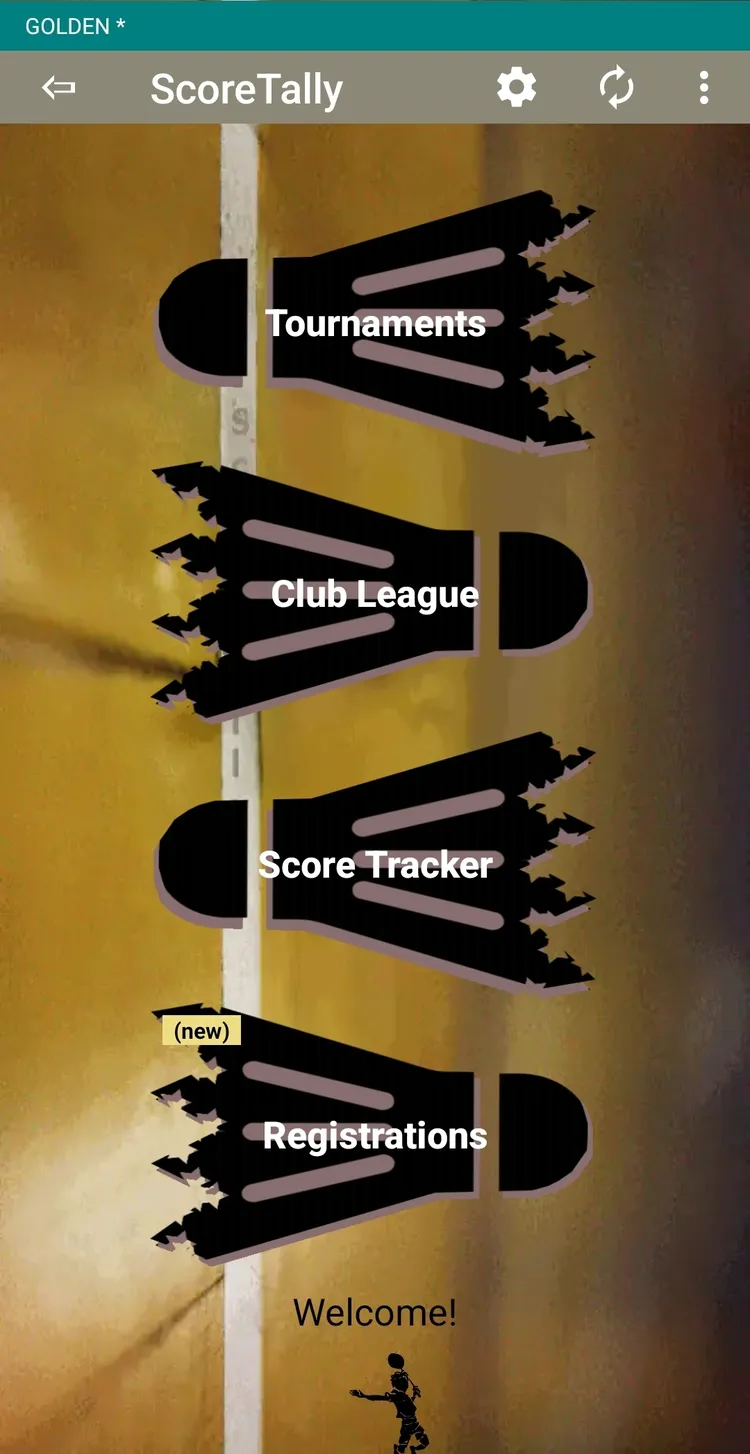
An event starts as a registration, not a bracket. The super-user creates a registration form and lists the categories players can enter — for example Men's Singles, Women's Doubles, or a mixed FunMix — along with any rules, fees, waiver text, and a deadline. Nothing is drawn yet; this simply opens sign-ups.
Step 2 — Players self-register (and pay the club)
Members register themselves for the categories they want through a short wizard — their details, their category, and the waiver. For a paid event, players pay the entry fee directly to the club (ScoreTally does not handle money). No login is needed; a player is identified by email, so entries can come in from many devices at once.
Step 3 — Admins approve registrations
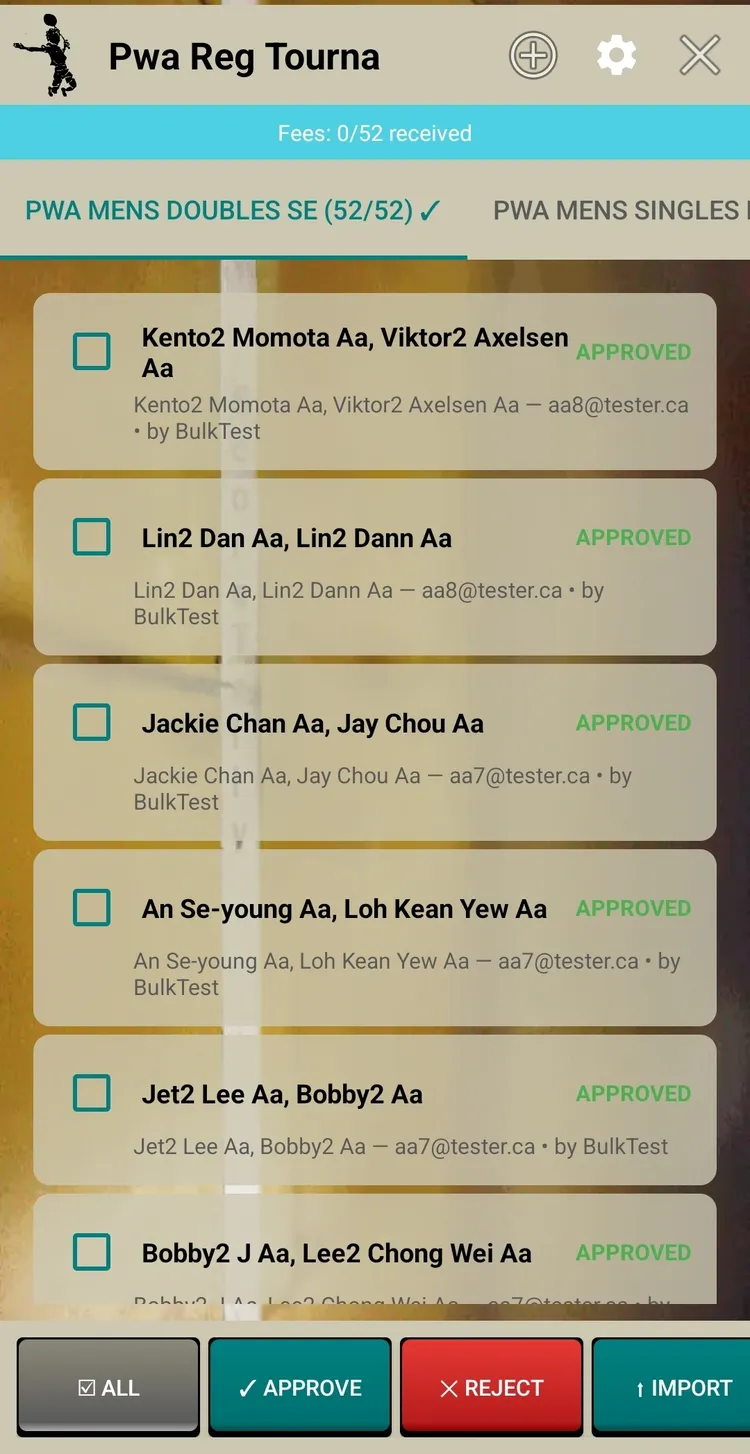
Admins review the incoming entries and approve or reject them in batches, and mark which players have paid their fee. This is where the club confirms its real field before any draw is made.
Step 4 — Close registration and create the categories
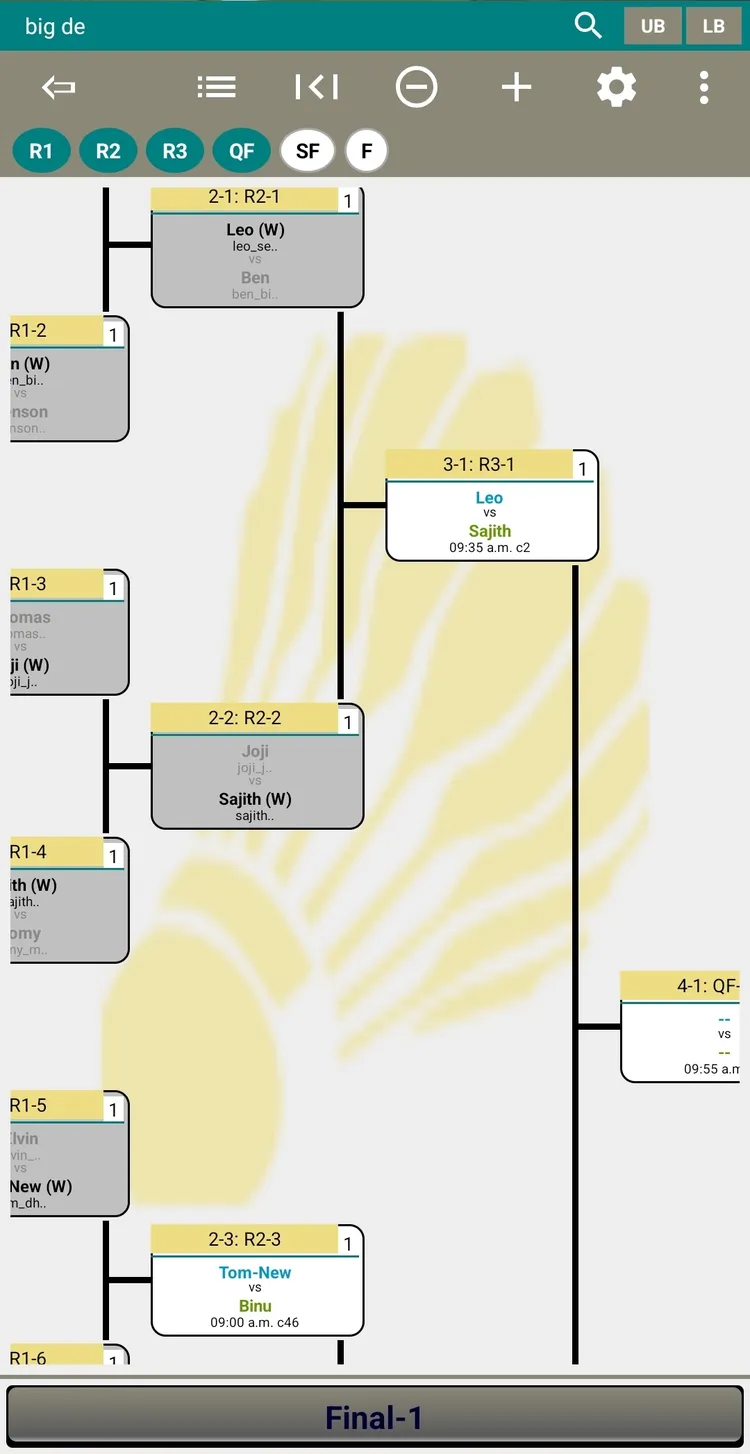
When sign-ups close, the admin imports the approved entries to create the actual tournament categories. This is the point where the fixtures are built — brackets for elimination formats, rosters for leagues and FunMix. Seeding can be set as needed before the draw is generated, so the strongest players are spread through the bracket.
Step 5 — Schedule courts and times (optional)
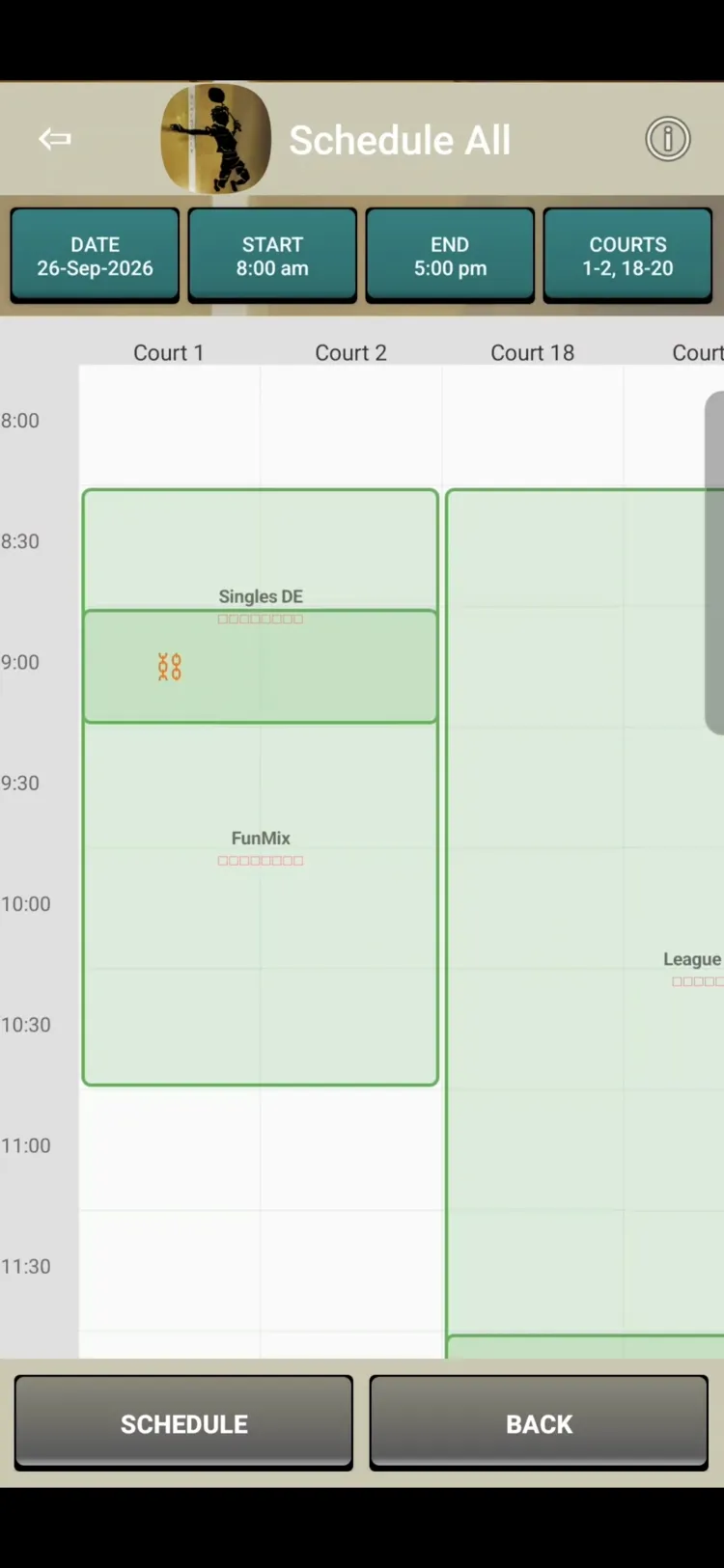
ScoreTally can estimate how long the draw will take and assign each match to a court and time slot, checking for player and court clashes as it goes. Participants can be told when and where to play well before match day, and the Courts view shows what is on each court at a glance.
Scheduling is drag and drop: a grid of courts across the top and time down the side. Drop a match onto a slot and it is placed; ScoreTally checks for player and court clashes as you go, so you can rearrange until the plan works.
Step 6 — Publish the fixtures
Publish the draw so players can view their schedule online. Because scheduling is already done (Step 5), each match shows its time and court — players simply open the app to see who they play, when, and where, well before they arrive. No printed notice board needed.
Step 7 — Export and print the fixtures (optional)
Prefer a paper draw sheet as well? Export the fixtures to a PDF to print or circulate — handy for a notice board or a tournament desk alongside the live online schedule.
Step 8 — Tournament day: enter scores, live
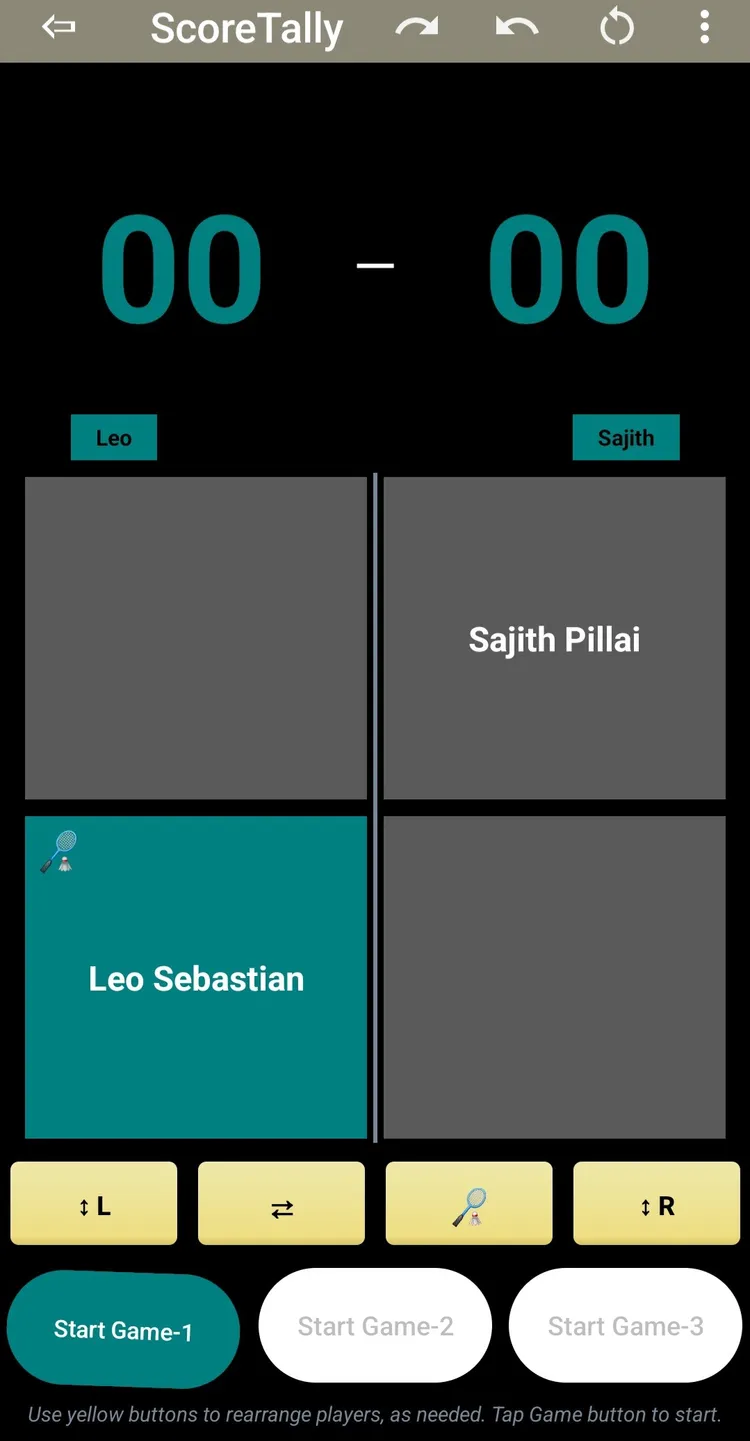
On match day an umpire or admin opens a match and enters the score. ScoreTally records each game, marks the match complete, and advances players automatically through the rounds — sending the loser to the lower bracket in double elimination. Players and fans follow the matches live on their own phones as results come in.
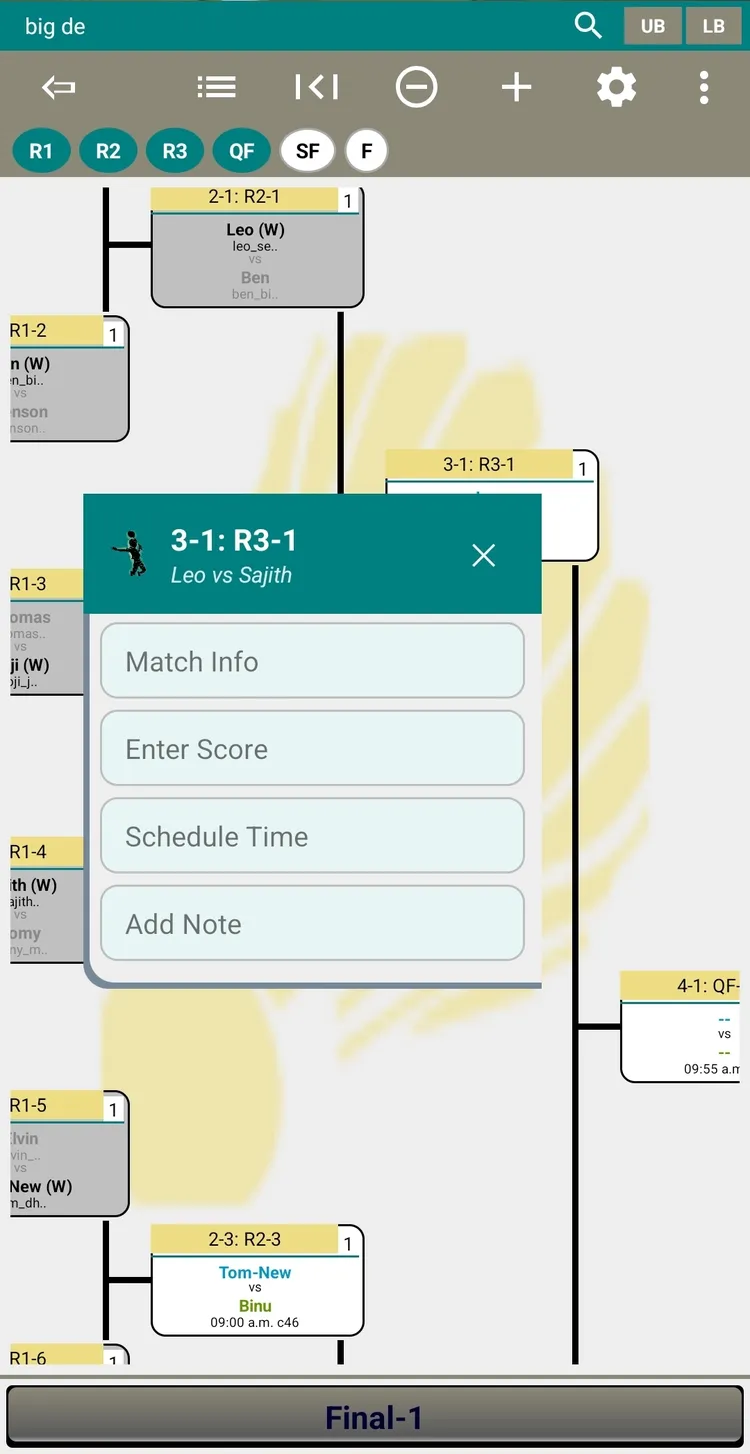
Results sometimes need a correction. The match-options menu lets an admin re-open a result, lock a match so it cannot be changed, reset a mistaken entry, or add a note — and progression re-calculates automatically whenever a result changes.
Step 9 — Tournament complete: export for records
When the final is played, the champion is decided and the full result stands as the club record. Export the match sheets or the completed draw to a PDF for your archives.